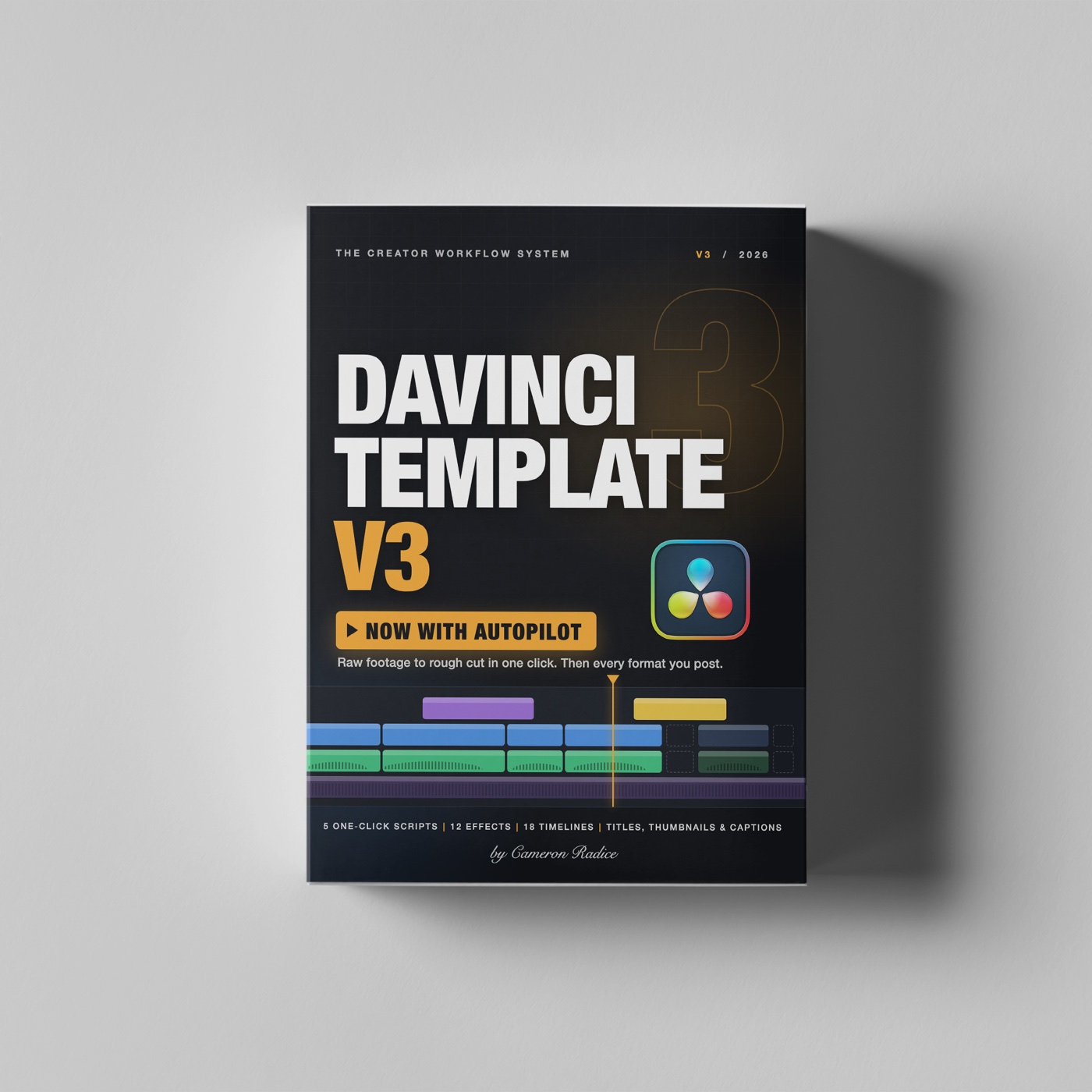
DaVinci Template V3
Open now $37 Get it for $37 Doors closed
DaVinci Template V3 box
Doors are closed

Sorry, you missed this window.

DaVinci Template V3 is only on sale a few days at a time. It will open again soon. Leave your email and you'll get the link the minute it does.

  • One click sorts your footage, builds your timeline and cuts out the pauses.
  • It runs inside DaVinci Resolve. No subscription, nothing uploaded.
  • It's a limited release. Doors open for a few days, then close.

One email when doors open, and a reminder before they close. Unsubscribe any time.

★★★★★

This DaVinci V2 template has completely cut my workflow in half.

Verified V2 buyer
★★★★★

It's one of the best purchases I've made since using Davinci.

Robin Ybarra, content creator

DaVinci Template V3  /  now with Autopilot

The first hour of every edit is the worst one. Skip it.

You know the hour. Dragging files into folders. Building the same timeline again. Scrubbing through your own pauses and "ums", cutting them out one by one. Autopilot does all of it inside DaVinci Resolve, in one click, so you open your edit at the good part.

Get it for $37 One-time purchase. No subscription.
Rough cut ready  11 pauses removed
A-Roll3
B-Roll14
Voice Tracks1
Music2
SFX6
Graphics4
Start Edit
Timeline Shoot_0412 - ROUGH CUTLength 02:26

Animated illustration of what Start Edit does. Your numbers depend on your footage.

800+ creators already edit with this template.

I built it for my own videos. Editing with it, I gained 230K followers across platforms, 5K to 130K on Instagram alone.

★★★★★

It's one of the best purchases I've made since using Davinci.

Robin Ybarra, content creator
★★★★★

Cameron made the best one I've seen. Highly recommend it!

Adam Wienckowski
★★★★★

Just the best thought out social media template I have ever seen or used.

Brooke Godin

Where the hour goes

It's not the editing you hate. It's everything before it.

It's why footage sits on your drive for a week. Each of these is now one click.

  • Sorting a folder of 30 files named 9A1A9397.MP4→Auto SortFootage, mic audio, music, sound effects and graphics go to the right bins.
  • Setting up the project, resolution, frame rate and tracks again→Already built: 18 timelinesOne for every platform you post on, with tracks and captions set up.
  • Cutting every breath, pause and restart by hand→Rough CutFinds the silences and removes them, and keeps the ends of your words.
  • Hiding the jump cuts→Auto Punch-InZooms in on the cuts that need it, with your eyes kept in the same spot.
  • Redoing the whole edit for vertical and square→RepurposeCopies your finished edit into each shape and re-frames every clip.

What's new in V3

Autopilot: five new buttons inside Resolve.

Each one is a command in Resolve's Workspace menu that does a chore for you. No app to open, no footage to upload, nothing to subscribe to. It all runs on your computer.

Start Edit
Start Edit

From folder of footage to rough cut in one click

This is the button you'll use most. Pick your shoot folder and the format you're making. It sorts the files, builds the timeline and makes the rough cut. You get your untouched footage on one timeline and the tightened cut on another.

Rough Cut

Cuts out every pause for you

Listens for the pauses in your talking and cuts them out. You choose how tight: the shortest pause to remove and how much breathing room to leave. Your original timeline is never changed.

CutPunched inCut
Auto Punch-In

Makes jump cuts look like a second camera

Cuts to a slightly closer shot where a pause was removed, anchored on your eye-line, so the cut reads as a camera change.

  • Only on the cuts that need it, so it never gets jumpy.
  • Your eyes stay in the same spot on screen. A guide lets you mark where they are.
  • Changed your mind? One click removes every punch-in.
Repurpose

One edit, every format

Turns a finished edit into vertical, square or 4:5 and re-frames each clip so you stay in the shot. It also goes the other way: a vertical Reel becomes a 16:9 YouTube video with blurred sides.

Auto Sort

Files your footage into bins

Point it at a messy folder. Every file lands in the bin it belongs in.

Such a time saver! I can hand this template off to my junior editors and don't have to sit with them or explain much to get good quality content from them.

Craig, head of video production (V2)

How a video goes now

Four steps. One of them is yours.

  1. Click Start EditFiles sorted, timeline built, pauses cut.
  2. Pick your takesDelete the ones you don't want. No script can know which take was the good one, so this part stays with you.
  3. Finish itClick Auto Punch-In, then drag on effects, titles and captions.
  4. Post everywhereClick Repurpose once per format, then export.
DaVinci Template V3 box

Everything in the download

The whole Creator Workflow system.

  • 5
    Autopilot scriptsOne-click commands: Start Edit, Rough Cut, Auto Punch-In, Repurpose and Auto Sort.
  • 18
    Ready-made timelinesReels, TikTok, Shorts, Stories, feed posts, and YouTube in HD and 4K, short and long form in one project. Color coded, with a captions track ready.
  • 4
    Audio tracks, already mixedSeparate tracks for voice, music and sound effects. The voice track has EQ and compression on it, and the levels are set so music never buries what you're saying.
  • 12
    Drag-and-drop effectsPunch Zoom, Snap Zoom, Zoom Blur, Handheld Camera, Impact Hit, Film Look, Film Halation, Camcorder Look, Backdrop Blur, Spotlight, Blur Fill, Progress Bar. Plus 16 ready-made versions.
  • 7
    Caption stylesIncluding word-by-word highlight, plus my original captions preset.
  • 3
    Title templatesCreator Title, plus two thumbnail builders so you can make thumbnails without leaving Resolve.
  • 28
    Minute mini courseMe, on camera, walking you from install to finished video.

Reviews

What V2 buyers said.

Five-star reviews of the last version, written before Autopilot existed.

This DaVinci V2 template has completely cut my workflow in half. I no longer waste time figuring out where things go or how to set things up.

Verified buyer

This package and mini course has been super helpful in my transition over to Davinci Resolve and the productivity boost has been huge!

Skyler, photographer and producer

The template makes everything so easy to edit, the formats are right there and it takes the guess work out of setting up a project. Sped up my vertical/horizontal editing flow.

Verified buyer

This set is pure help! Never felt editing that easy!

Verified buyer

Really simple but useful. Could I do it myself? For sure, but this is way more convenient.

petaqui

Absolutely saved me so much time in my timeline! Amazing template! Love it!

Verified buyer

Before you buy

Is this for you?

Yes, if

  • You film yourself talking to camera.
  • You post in more than one format.
  • You edit in DaVinci Resolve, or want to start with a setup that already works.
  • You have footage on a drive right now that you've been putting off.

Not if

  • Your videos are music-driven with no talking. Rough Cut works by listening for pauses in speech.
  • You shoot multi-camera and need the angles synced for you.
  • You've never opened an editing app. The course teaches the template, not editing from zero.

Requirements: DaVinci Resolve 20 or later. Built and tested on Resolve Studio on a Mac; a Windows installer is included. Automatic captions from audio need Resolve Studio. Install takes about two minutes.

Open now

Open for a few days only.

$37$47

When this window closes, the template comes off sale.

Get DaVinci Template V3

One-time purchase. Instant download. All sales are final.

By far, the best purchase ever done by myself. It's the thing that I'm always using, no matter the project.

Verified V2 buyer

FAQ

What people ask before buying.

Does it use AI or need an internet connection?

No. Autopilot is a set of scripts that run inside Resolve on your computer. Nothing is uploaded and there's nothing to subscribe to.

Will it change my footage or my original timeline?

No. Rough Cut and Repurpose always work on a new copy of the timeline, so you can go back.

I record audio on a separate mic. Does that work?

Yes. Sync it to your camera clip in Resolve first, which is two clicks and shown in the course. If you forget, Start Edit stops and tells you which files to sync.

Can I control how tight the cuts are?

Yes. You set the shortest pause to remove and the padding around each line. If you pause for effect, raise the minimum.

Does the punch-in work if I'm not centered in frame?

Yes. An on-screen guide lets you mark where your eyes are, and the zoom anchors there.

I own V2 or V2.5. What's different?

V2.5 gave you the bins, timelines and effects on adjustment clips. V3 keeps the structure you know, adds Autopilot, rebuilds the effects as real Resolve effects with their own controls, adds six new ones, and adds thumbnail templates and caption styles.

Can I get a refund?

No. It's a digital download you keep, so all sales are final. If something doesn't work on your setup, email me and I'll help you get it running.

How hard is the install?

Run the installer, restart Resolve, import one file. About two minutes. The download includes a read-me with manual steps if you ever need them.